
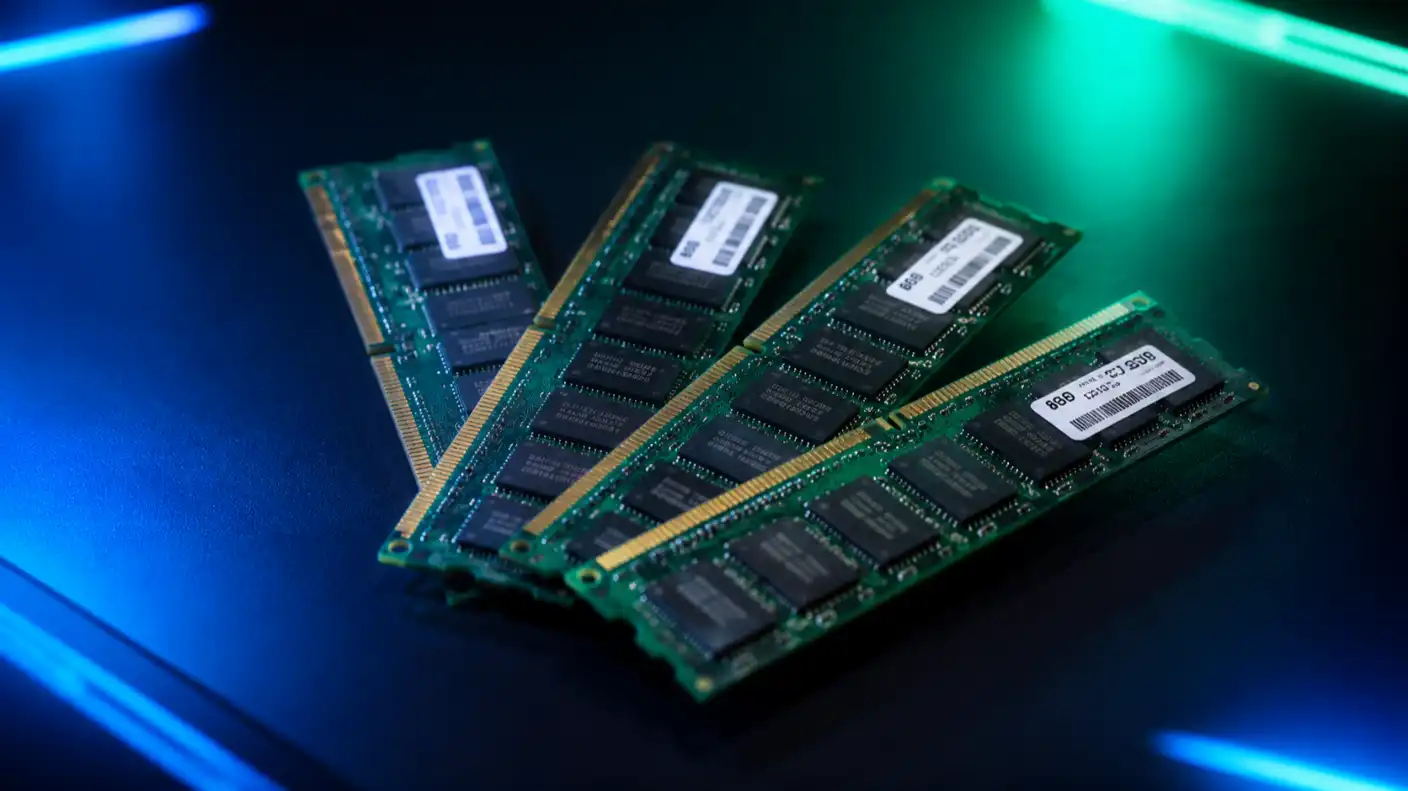
When building a modern PC, many enthusiasts spend hours obsessing over their choice of CPU and graphics card. However, they often treat Random Access Memory (RAM) as an afterthought. This mistake can cost you significant performance, especially when you are running memory-intensive applications or trying to squeeze every frame out of a high-end gaming system. Understanding how different memory speeds and latencies interact is the key to unlocking the true potential of your hardware.
To simplify the complex world of memory benchmarks, we need to move past the marketing jargon found on the side of product boxes. Most buyers focus solely on the transfer rate—measured in Megatransfers per second (MT/s)—but that is only half the story. The real-world performance of your system depends on a delicate dance between frequency and CAS latency. A kit running at 6000MT/s with low latency often outperforms a 7200MT/s kit with loose timings because the CPU spends less time waiting for data to arrive.
Current industry standards have pushed DDR5 into the mainstream, with most mid-range systems now comfortably operating between 5600MT/s and 6400MT/s. While jumping to 8000MT/s or higher might look good on a spreadsheet, the actual performance gains in most games range from a modest 2% to a noticeable 5% depending on the title. For professional work, such as video rendering or large-scale data compression, the benefits can be more pronounced. In these scenarios, faster memory bandwidth can reduce task completion times by 8% or more, saving valuable hours over the life of the machine.
When selecting RAM, stability is just as important as speed. Many users purchase high-frequency kits only to find their system crashing because the memory controller on their CPU cannot handle the overhead. It is a balancing act. If you prioritize stability, opting for a JEDEC-compliant speed—typically 4800MT/s or 5600MT/s—ensures that your machine remains rock-solid under heavy loads. For those who enjoy fine-tuning their systems, manually adjusting voltage and timings can allow for a 10% increase in effective bandwidth without the risk of system instability.
The transition from DDR4 to DDR5 has also changed how we view memory capacity. While 16GB was the sweet spot for nearly a decade, the landscape has shifted. Today, 32GB is the new baseline for any serious workstation or high-end gaming PC. This jump is necessary because modern software, including background processes and browser tabs, now consumes memory at an unprecedented rate. Moving from 16GB to 32GB can eliminate the annoying micro-stutters that occur when a system is forced to move data from RAM to a slower storage drive.
Furthermore, the architectural improvements in DDR5 allow for better power efficiency. By moving the power management integrated circuit (PMIC) directly onto the RAM module, manufacturers have improved signal integrity and thermal management. This change is not just a minor tweak; it allows for higher density modules that can reach 48GB or 64GB per stick. For users running virtual machines or editing 8K video, this density is a massive advantage that simply was not available on older platforms.
Ultimately, building the perfect memory configuration comes down to matching your budget and your needs. If you are a casual gamer, spending an extra $100 on extreme memory kits is likely a poor investment compared to putting that same money toward a better GPU. However, if you are a power user who constantly pushes your system to the edge, investing in high-quality memory with tight timings will ensure your CPU never sits idle.
As we look toward the future, the memory hierarchy will continue to evolve with new standards. Technologies like CAMM2 are already on the horizon, promising to change the physical shape of RAM to further improve signal paths and cooling. By staying informed on the latest benchmark hierarchies, you can avoid overspending on features you do not need and focus on the hardware components that actually impact your daily computing experience.