
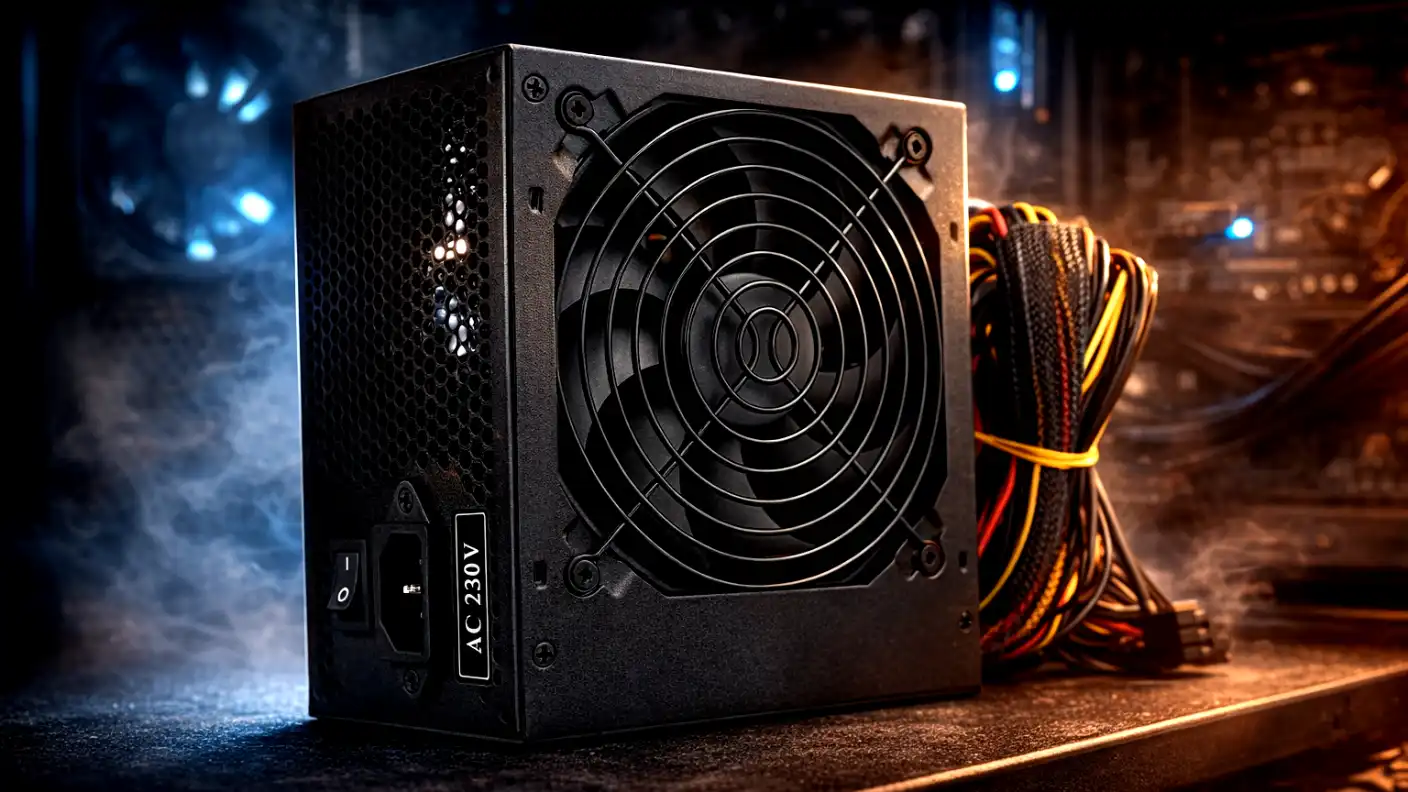
When building or upgrading a computer, the processor (CPU) and graphics card (GPU) often steal the spotlight. They determine how fast your games run and how quickly your videos render. However, there is a component that sits quietly in the corner of your case, uncelebrated and often under-budgeted, yet it holds the fate of your entire system in its capacitors: the Power Supply Unit (PSU).
Think of the CPU as the brain and the GPU as the muscle. In this analogy, the PSU is the heart. If the heart stops, the body dies. If the heart beats irregularly (unstable voltage), the body suffers. A high-quality power supply ensures longevity, stability, and silence. A low-quality one can lead to random shutdowns, system instability, and in the worst-case scenario, a catastrophic failure that fries your expensive motherboard and graphics card.
Selecting the right PSU in 2025 is more complex than it was a decade ago. With the advent of power-hungry GPUs, new connector standards like ATX 3.1, and increasing energy costs, making an informed decision is critical. This guide will walk you through everything you need to know to choose the perfect power supply for your rig.
Calculating Your Power Needs: Wattage is King
The first question every builder asks is: “How many watts do I need?” The answer lies in the specific components you plan to use, specifically the CPU and GPU, which are the two biggest power draws.
Understanding TDP and System Load
Every component has a Thermal Design Power (TDP) or Total Board Power (TBP) rating, usually measured in watts. For example, a high-end Intel Core i9 or AMD Ryzen 9 processor might draw 250W under load. A flagship NVIDIA RTX 40-series or 50-series card could pull upwards of 450W to 600W.
If you simply add these numbers up, you might think a 750W unit is enough. However, you should never run a PSU at 100% of its rated capacity.
- Efficiency Curves: Power supplies are most efficient when running at roughly 50% to 60% of their maximum capacity. Running a PSU near its limit generates excess heat and noise.
- Transient Spikes: Modern GPUs are notorious for “power excursions.” This happens when a graphics card momentarily demands double its rated power for a millisecond. If your PSU doesn’t have enough headroom to absorb this spike, the system’s Over-Power Protection (OPP) will trip, causing an instant shutdown.
The “1.5x Multiplier” Rule
A safe rule of thumb for gaming PCs and workstations is to calculate your total system power draw and multiply it by 1.5.
- Example: If your CPU, GPU, and other components draw 500W total.
- Calculation: 500W x 1.5 = 750W.
- Recommendation: Buy a 750W or 850W unit.
For most mid-range builds (Ryzen 5/Core i5 + RTX 4070), 750W is the sweet spot. For high-end builds (Ryzen 9/Core i9 + RTX 4090), 1000W or 1200W is highly recommended to handle transient spikes safely.
Decoding Efficiency: 80 PLUS and Cybenetics
Once you know the wattage, you will see stickers on the box labeled “80 PLUS.” This is a voluntary certification program that rates how efficient the PSU is at converting AC power (from your wall) to DC power (for your PC).
The 80 PLUS Tiers
Efficiency is crucial because energy lost during conversion turns into heat. Less heat means the fan spins slower, and your PC runs quieter.
- 80 PLUS White/Standard: The bare minimum (80% efficiency). Generally found in budget office PCs. Avoid for gaming.
- 80 PLUS Bronze: The budget standard (82-85% efficiency). Decent for entry-level builds, but often uses cheaper internal components.
- 80 PLUS Gold: The enthusiast standard (87-90% efficiency). This is the “sweet spot” for price-to-performance. Most gamers should aim here.
- 80 PLUS Platinum: High efficiency (90-92%). Great for workstation PCs that run 24/7.
- 80 PLUS Titanium: The absolute best (94-96%). Very expensive, usually reserved for extreme enthusiasts.
The Cybenetics Standard
In recent years, the 80 PLUS system has faced criticism for its testing methodologies (testing at low ambient temperatures). A newer, more rigorous standard called Cybenetics is gaining traction. They rate efficiency (ETA) and, crucially, noise (LAMBDA).
If a PSU has a Cybenetics Gold or Platinum badge, you can generally trust it more than an 80 PLUS badge because the testing conditions are harder to pass. If you care about silence, look for a Cybenetics Lambda A+ or A++ rating.
The Modern Standard: ATX 3.0 and ATX 3.1
If you are buying a power supply in 2025 for a modern gaming PC, this is arguably the most important section. The industry has shifted to a new standard designed specifically for high-performance graphics cards.
The 12VHPWR / 12V-2×6 Connector
Old PSUs used 6+2 pin cables (8-pin) to power graphics cards. High-end cards required three or four of these cables, creating a mess.
The ATX 3.0 standard introduced the 12VHPWR connector (and the refined ATX 3.1 12V-2×6 connector). This is a single cable capable of delivering up to 600W directly to the GPU.
Why You Should Buy ATX 3.0/3.1
While you can use an older ATX 2.4 PSU with adapters, it is not ideal.
- Native Support: An ATX 3.0 PSU comes with the 12VHPWR cable out of the box. No ugly, bulky adapters are required.
- Excursion Handling: To be certified as ATX 3.0, a PSU must be able to withstand a power spike of 200% of its rated power for 100 microseconds. This guarantees that your RTX 4090 or future RTX 50-series card won’t crash your system during intense gaming scenes.
If you are building a new PC with a mid-to-high-end GPU, do not buy an older ATX 2.0 PSU. Ensure the box explicitly states “ATX 3.0” or “ATX 3.1” compatible.
Modularity: Managing the Cable Chaos
Power supplies come in three physical configurations regarding their cables. Your choice here affects airflow, aesthetics, and ease of building.
Non-Modular
All cables are permanently attached to the PSU box.
- Pros: Cheapest option.
- Cons: You will have a bundle of unused cables (Molex, extra SATA) that you have to stuff into the bottom of your case. This blocks airflow and looks terrible.
- Verdict: Avoid unless you are on an extreme sub-$500 budget.
Semi-Modular
The essential cables (Motherboard 24-pin and CPU 8-pin) are permanently attached, but the optional cables (PCIe for GPU and SATA for drives) are detachable.
- Pros: Good balance of price and convenience.
- Cons: Still have to manage the main cables, which can be stiff.
- Verdict: A solid choice for budget-conscious gamers.
Fully Modular
Every single cable can be detached.
- Pros: You only plug in what you need. It makes installation much easier. It also allows you to buy custom sleeved cables (like CableMod) for a specific color scheme.
- Cons: More expensive.
- Verdict: The standard for most enthusiasts.
CRITICAL WARNING: Modular cables are not universal. Do not use cables from an EVGA PSU on a Corsair PSU, or even between different models of the same brand. The pinouts on the PSU side are different. Doing this will fry your storage drives and motherboard instantly.
Form Factor: Will It Fit?
Most users need a standard ATX power supply. This fits 95% of mid-tower and full-tower cases.
However, the rise of SFF (Small Form Factor) PCs has popularized the SFX and SFX-L standards.
- SFX: Tiny power supplies for Mini-ITX cases. They are impressive engineering feats, delivering up to 1000W in a box the size of a large sandwich. They are usually more expensive and have smaller, noisier fans.
- SFX-L: Slightly longer than SFX to accommodate a larger 120mm fan for quieter operation.
Check your case specifications before buying. An ATX PSU will not fit in a case designed for SFX. Conversely, an SFX PSU can fit in an ATX case with a bracket, but the cables might be too short to reach your motherboard connectors.
Internal Quality: Capacitors and Topologies
You don’t need to be an electrical engineer to choose a PSU, but knowing a few buzzwords helps filter out the junk.
Japanese Capacitors
The best PSUs use Japanese capacitors (Nippon Chemi-Con, Rubycon, Nichicon) rated for 105°C. These are significantly more durable than Chinese or Taiwanese capacitors rated for 85°C. A PSU with 105°C Japanese capacitors will last longer and handle heat better.
DC-to-DC Converter
Look for a PSU that uses “DC-to-DC” topology for the minor rails (3.3V and 5V). Older, cheaper designs use “Group Regulation,” where the voltages are tied together. In a Group Regulated PSU, if the GPU pulls a massive load on the 12V rail, the 5V rail might go out of spec, damaging hard drives. DC-to-DC designs allow each voltage rail to operate independently and stably.
Protection Circuits
Never buy a PSU that doesn’t list a full suite of protection circuits. These are the safety nets that save your house from burning down.
- OVP (Over Voltage Protection): Shuts down if voltage gets too high.
- UVP (Under Voltage Protection): Shuts down if voltage drops too low.
- OPP (Over Power Protection): Shuts down if you pull more watts than the unit can handle.
- SCP (Short Circuit Protection): Shuts down if a short is detected.
- OTP (Over Temperature Protection): Shuts down if the unit overheats.
Brand Reliability and The “Tier List”
Here is a secret: Most brands (Corsair, NZXT, EVGA) do not manufacture their own power supplies. They design the exterior and specs, then contract an OEM (Original Equipment Manufacturer) like Seasonic, Super Flower, CWT, or FSP to build them.
Because of this, you cannot blindly trust a brand name. Corsair sells amazing top-tier units (RMx series) and mediocre budget units (VS series).
To navigate this, the PC community relies on the “PSU Tier List” (Cultists Network). This is a crowdsourced, expert-maintained list that categorizes units based on professional reviews and circuit analysis.
- Tier A: High-end gaming/workstation.
- Tier B: Mid-range gaming.
- Tier C: Budget/Office PC.
- Tier D/E: Avoid.
Before buying, Google “PSU Tier List” and check where your potential purchase falls. Generally, for a gaming PC, you should never drop below Tier B.
Fan Types and Noise Levels
If you value a silent room, pay attention to the fan.
Bearing Types
- Sleeve Bearing: Cheap, quiet at first, but wears out quickly and can start rattling.
- Double Ball Bearing: Very durable, but can have a slight mechanical noise.
- Fluid Dynamic Bearing (FDB): The best option. Extremely quiet and very durable.
Zero RPM / Hybrid Mode
Many high-end PSUs (like the Corsair RM series or Seasonic Focus) have a “Zero RPM” or “Eco” mode. Under low loads (like browsing the web or watching YouTube), the fan doesn’t spin at all. The PSU is passively cooled and dead silent. The fan only kicks in when you start gaming. This is a highly desirable feature.
Warranty: The Ultimate Confidence Vote
Power supplies are one of the few PC components where the warranty length is a direct indicator of quality.
- 1-3 Years: The manufacturer expects it to fail. Avoid.
- 5-7 Years: Good standard quality.
- 10-12 Years: Top tier. The manufacturer is essentially guaranteeing that the capacitors and fan will last a decade.
If a company offers a 10-year warranty, they have done the math and know the unit is built like a tank. Considering a PSU can persist through 3 or 4 different PC builds over a decade, spending an extra $30 for a 10-year warranty is the best value investment you can make.
Summary Checklist for 2025
To summarize, here is your checklist for selecting the best PSU:
- Wattage: Calculate your Total TDP x 1.5. (Usually 750W-1000W for gaming).
- Standard: Look for ATX 3.0 or ATX 3.1 compatibility for native 12VHPWR support.
- Efficiency: Aim for 80 PLUS Gold or Cybenetics Gold/Platinum.
- Modularity: Choose Fully Modular for easy cable management.
- Quality: Check the PSU Tier List (Aim for Tier A or B) and look for Japanese Capacitors.
- Warranty: Do not settle for less than 7 years (10 is ideal).
Conclusion
The power supply is the foundation of your PC. A good one delivers clean, stable power that allows your CPU and GPU to boost higher and last longer. A bad one introduces ripple and noise that degrades your components over time or causes frustrating crashes.
By following this guide, you move past the marketing fluff and focus on what matters: clean topology, modern ATX standards, and efficiency. Don’t treat the PSU as an afterthought. Invest in a high-quality unit today, and it will be the trusty heart of your gaming rig for years to come.